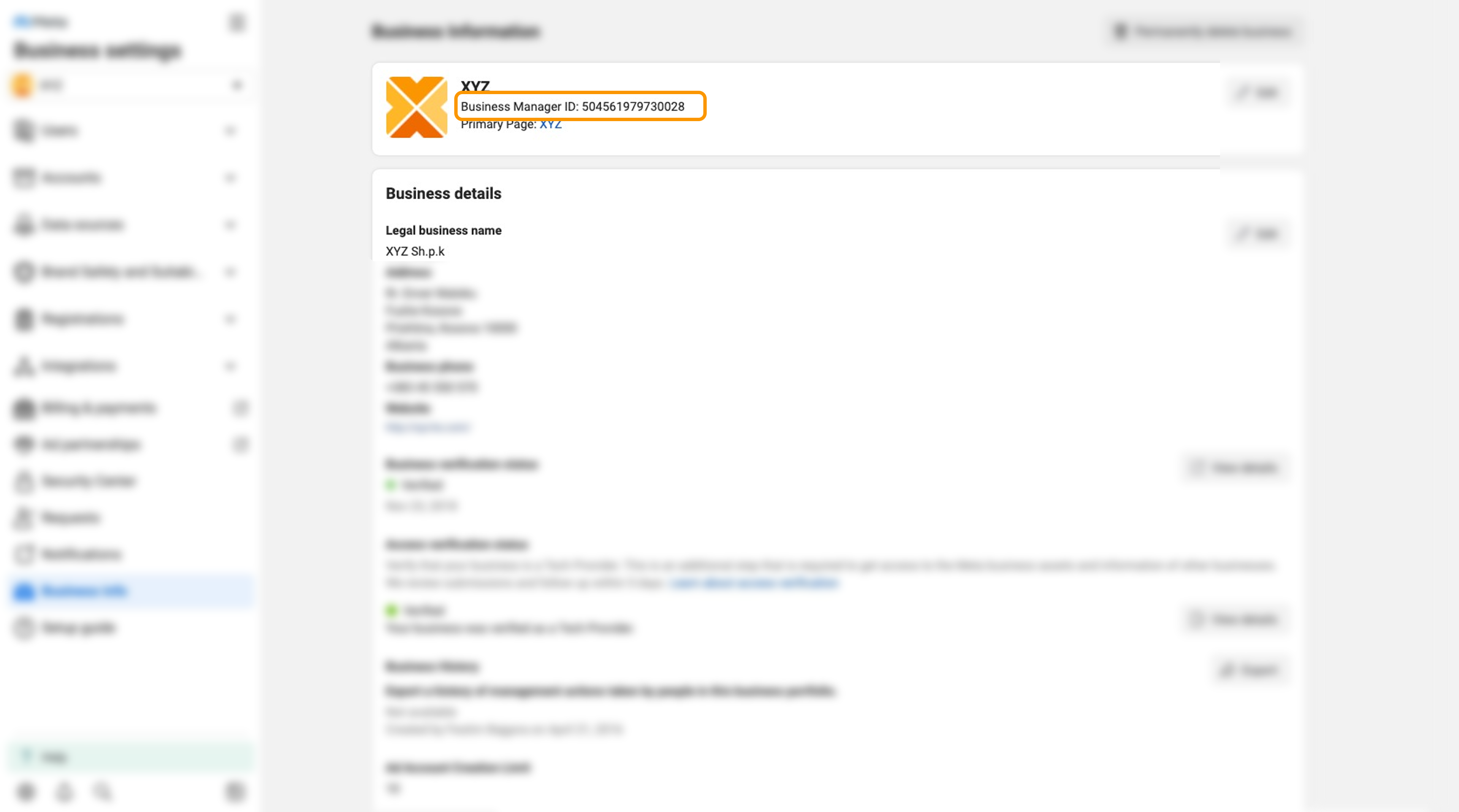
How to find your Business Manager ID on Meta Business Manager
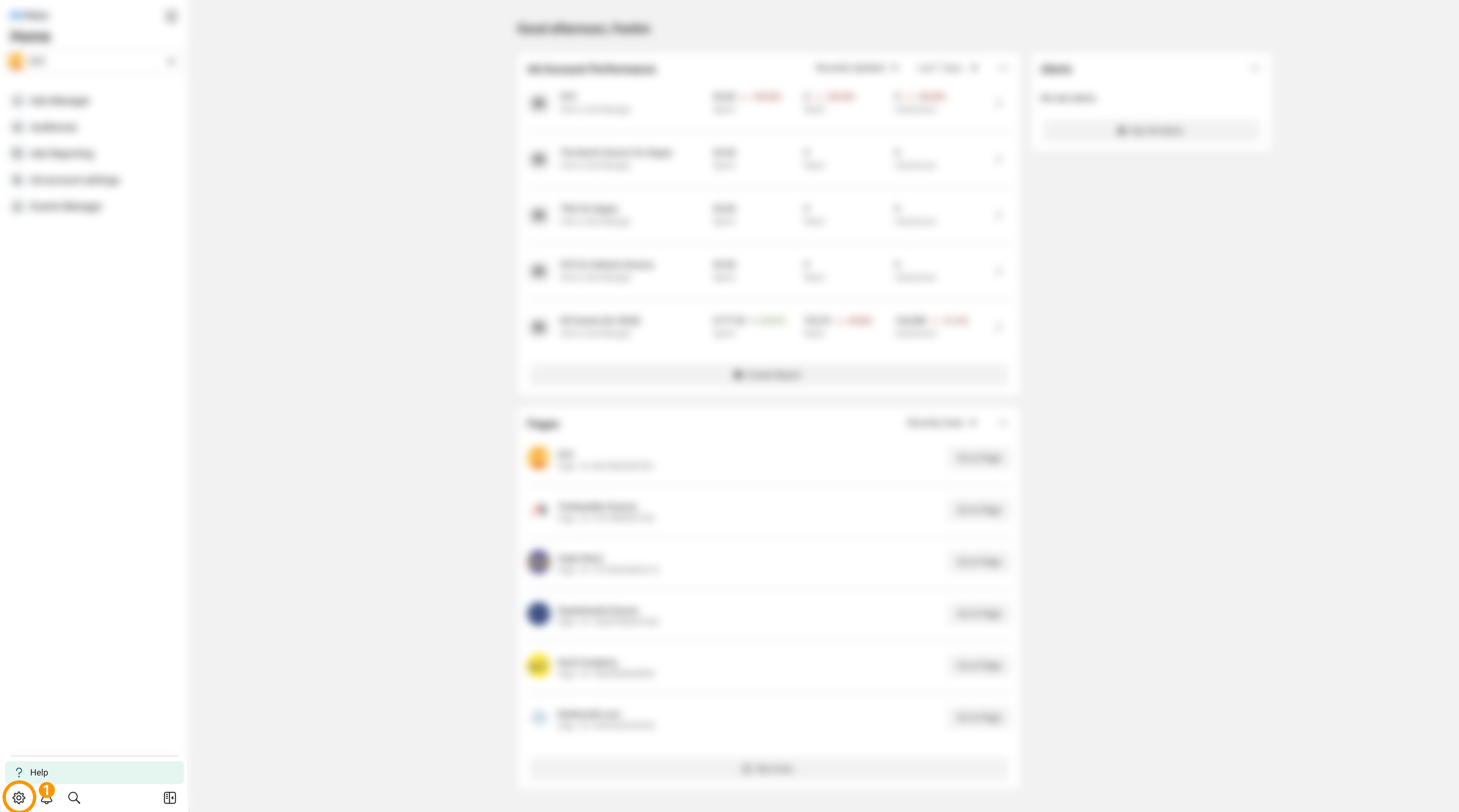
- Log in to your Business Manager, https://business.facebook.com
- Navigate to ‘Business Settings’ located down, in the left-hand menu, https://business.facebook.com/settings/
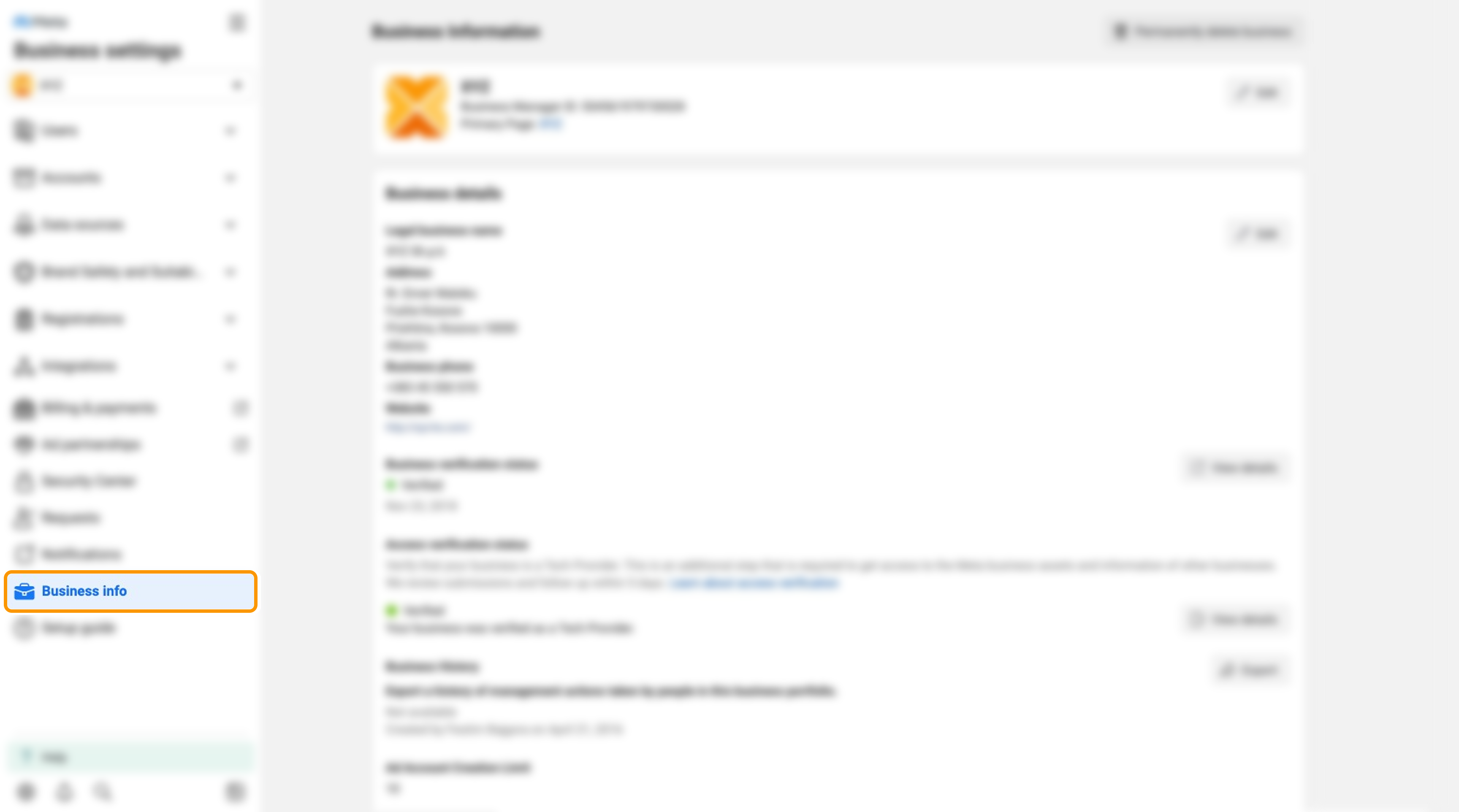
- Select ‘Business Info’ from the left sidebar.
- In the middle panel, under Business Manager Name, you can find the Business Manager ID.